




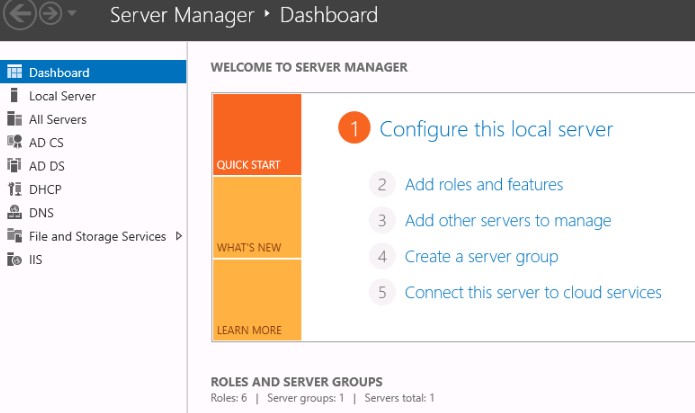
This guide walks you through each step to successfully install and activate Windows Server, covering all versions.
Before You Start
Make sure you have:
- Compatible hardware that meets Windows Server requirements
- Stable internet connection
- Administrator access
- Sufficient free disk space
- Valid Windows Server license or evaluation version
Step 1: Download the Installer (Windows Server)
Go to the official Microsoft Windows Server download page: https://www.microsoft.com/en-us/windows-server
• Sign in with your Microsoft account if required
• Select the version you want to download (e.g., 2019, 2022)
• Choose the edition (Standard, Datacenter, or Evaluation)
• Click Download and save the installer to your computer
Step 2: Activate Windows Server
• After installation, open Settings > Update & Security > Activation
• Click Change product key and enter your 25-character Windows Server key
• Click Next to start activation
• Windows Server will activate automatically if your PC is connected to the internet
Step 3: Activate via Command Prompt (If Needed)
• Open Command Prompt as an administrator
• Enter the following command to install your product key:
slmgr /ipk YOUR-PRODUCT-KEY
• Then, activate Windows Server with:
slmgr /ato
• You should see a confirmation message if activation is successful
• This method is useful if online activation through Settings doesn’t work