





This guide provides step-by-step instructions to help you successfully install and activate Office Home & Student for the following supported versions:
- Office 2019 Home & Student
- Office 2021 Home & Student
Before You Start
Before you begin the installation and activation process, please ensure you have the following:
- A valid Office 2019 / 2021 Home & Student product key
- A Windows PC meeting the minimum system requirements
- A stable internet connection for downloading and activation
- Administrator access on the computer
- A Microsoft account (required to redeem and activate the product)
Having these ready in advance will help ensure a smooth and uninterrupted setup process.
Step 1: Download Office 2019 / 2021 Home & Student (All versions)
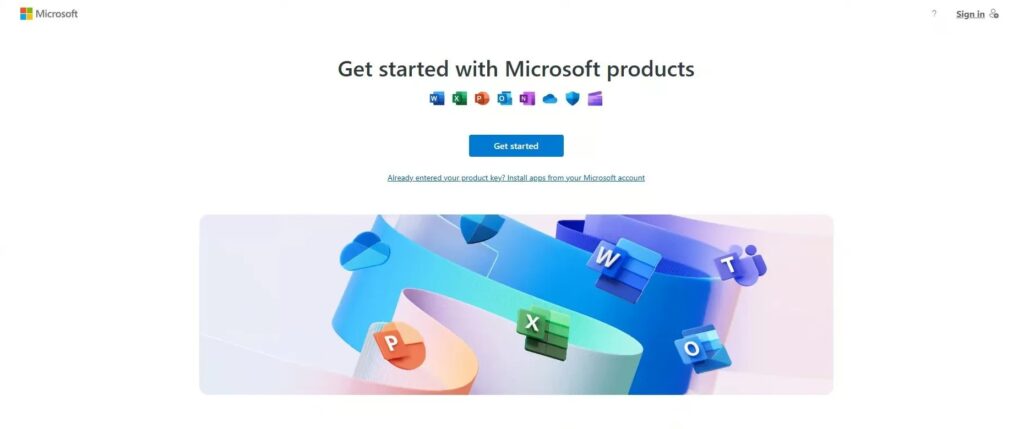
- Go to setup.office.com.
- Click Get Started.
- Enter your product key and click Next.
- Choose your region and language, then continue.
Step 2: Install Office 2019 / 2021 Home & Student
- Download your setup file.
- Once the file has finished downloading, double-click it to start the installation.
- Follow the on-screen instructions to complete the installation.