

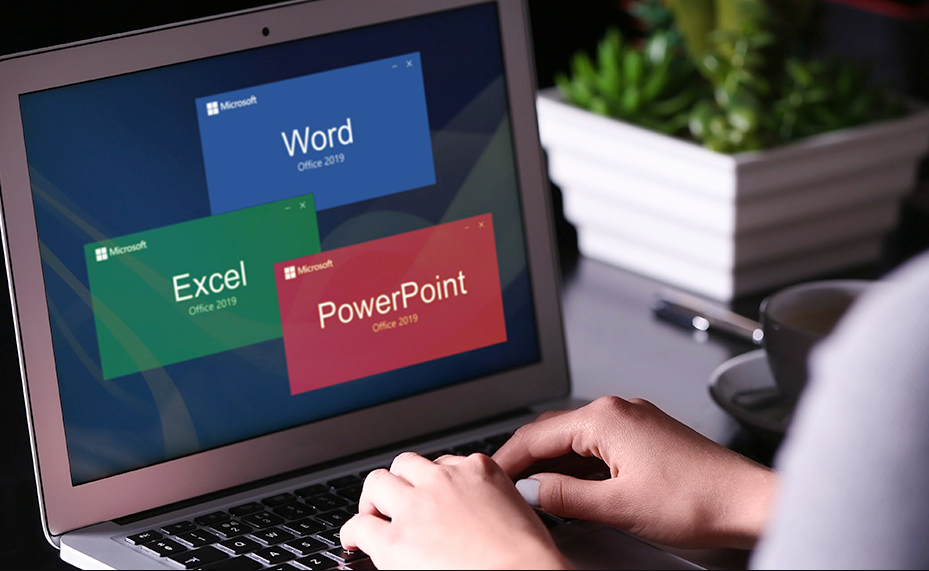
This guide will help you quickly install and activate Microsoft Office 2019 Professional Plus on your Windows PC.
No tech skills needed – just follow the simple steps below.
Before You Begin
Make sure you have:
- A valid Office 2019 Professional Plus product key
- A Windows 10 or Windows 11 PC
- An internet connection
- Access to a Microsoft Account
Office 2019 does not work on Windows 7 or Windows 8.1.
Step 1 – Download Office 2019
You can install Office 2019 in two ways:
Option A – Download from Microsoft (Recommended)
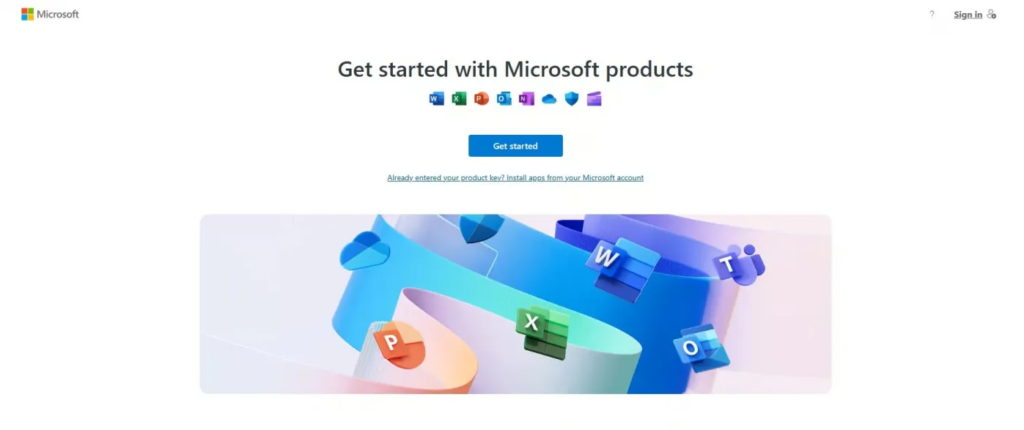
- Visit https://setup.office.com/
- Sign in with your Microsoft Account.
- Enter your Office 2019 product key.
- Choose your region and language.
- Click Download.
The installer will download to your Downloads folder.
Option B – Download the Official Microsoft ISO
If you prefer using an ISO file or Microsoft’s servers give an error, you can download Office 2019 from official ISO links.
Step 2 – Install Office 2019
- Open the file Setup.exe from your Downloads.
- Allow permission if Windows asks (click Yes).
- The installation will begin automatically.
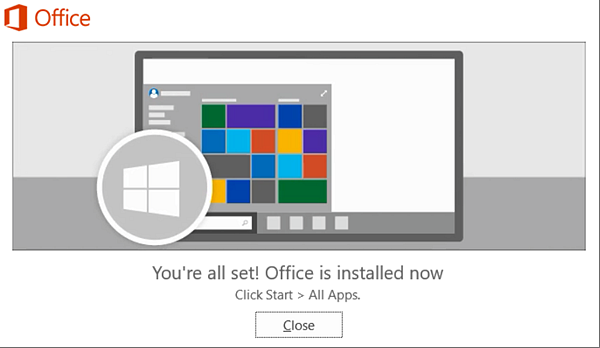
- Wait until you see:
“You’re all set! Office is installed now.” - Click Close.
Office 2019 is now installed on your PC!
Step 3 – Activate Office 2019
Activation happens the first time you open an Office app.
Automatic Activation
- Open Word or Excel.
- Sign in with your Microsoft Account if prompted.
- Office will activate automatically using the key you entered earlier.
Manual Activation (if needed)
If an activation window appears:
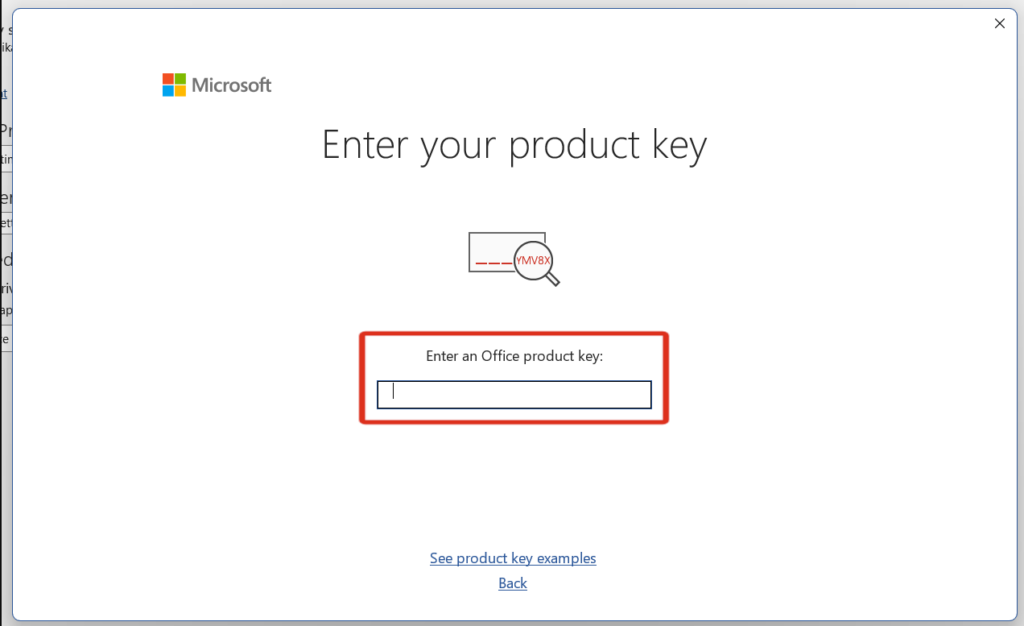
- Click Enter Product Key.
- Type your 25-character Office 2019 key.
- Click Activate.
Activation should take only a few seconds.
Check Activation Status
- Open any Office program.
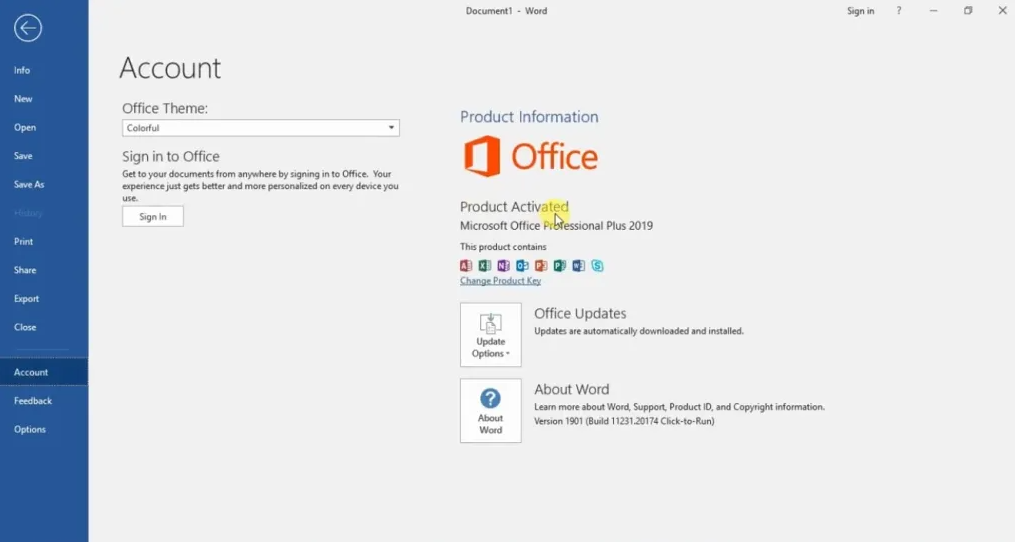
- Go to File > Account.
- Under Product Information, look for:
“Product Activated”
If you see this, everything is working correctly.
Need Help? Troubleshooting & Support
If you have any concerns or require technical support, don’t hesitate to reach out via our live chat at https://keylify.com/ or email [email protected]. We’re available 24/7 to help.
Windows Server - Installation & Activation

Visual Studio 2017 / 2019 - Installation & Activation
Office Home & Business 2016 / 2019 / 2021 – Installation & Activation

Office 2019 / 2021 Home & Student – Installation & Activation
Microsoft Visio 2016 / 2019 / 2021 - Installation & Activation
Microsoft Project 2016 / 2019 / 2021 - Installation & Activation
Office 2016 Professional Plus - Installation & Activation Guide
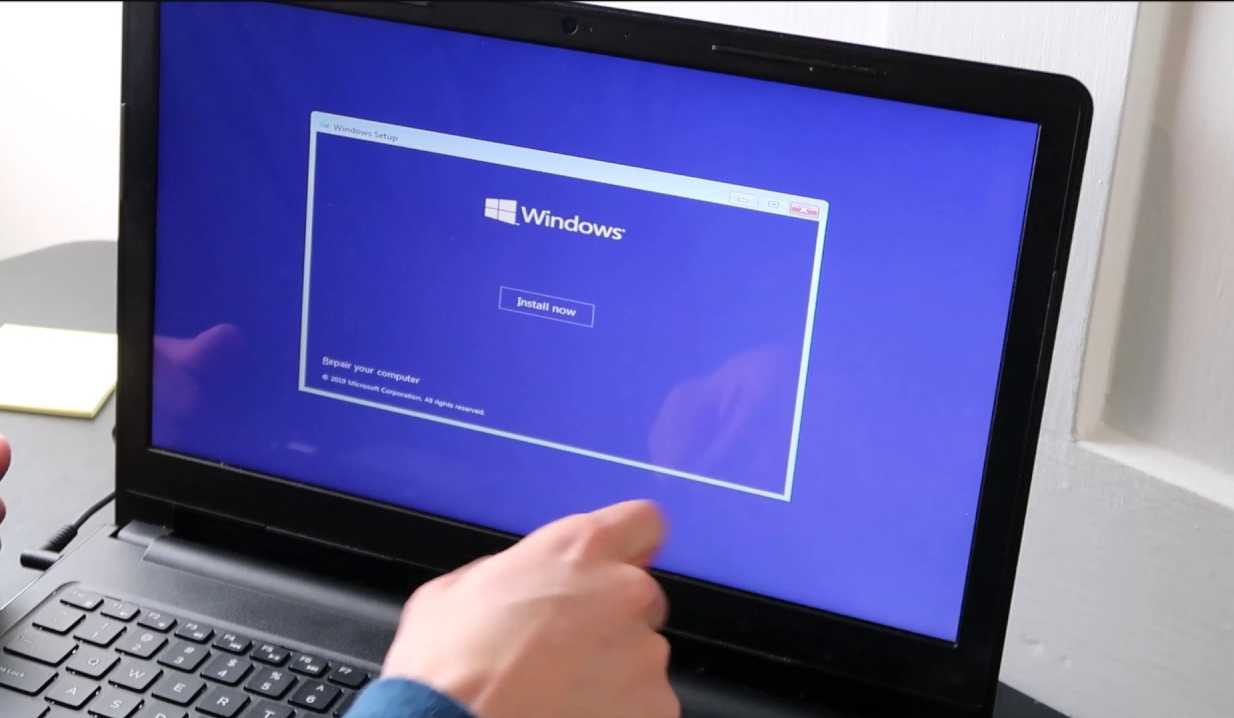
Windows 10 - Installation & Activation Guide
Windows 11 - Installation & Activation Guide
Office 2021 Professional Plus - Installation & Activation Instructions

