

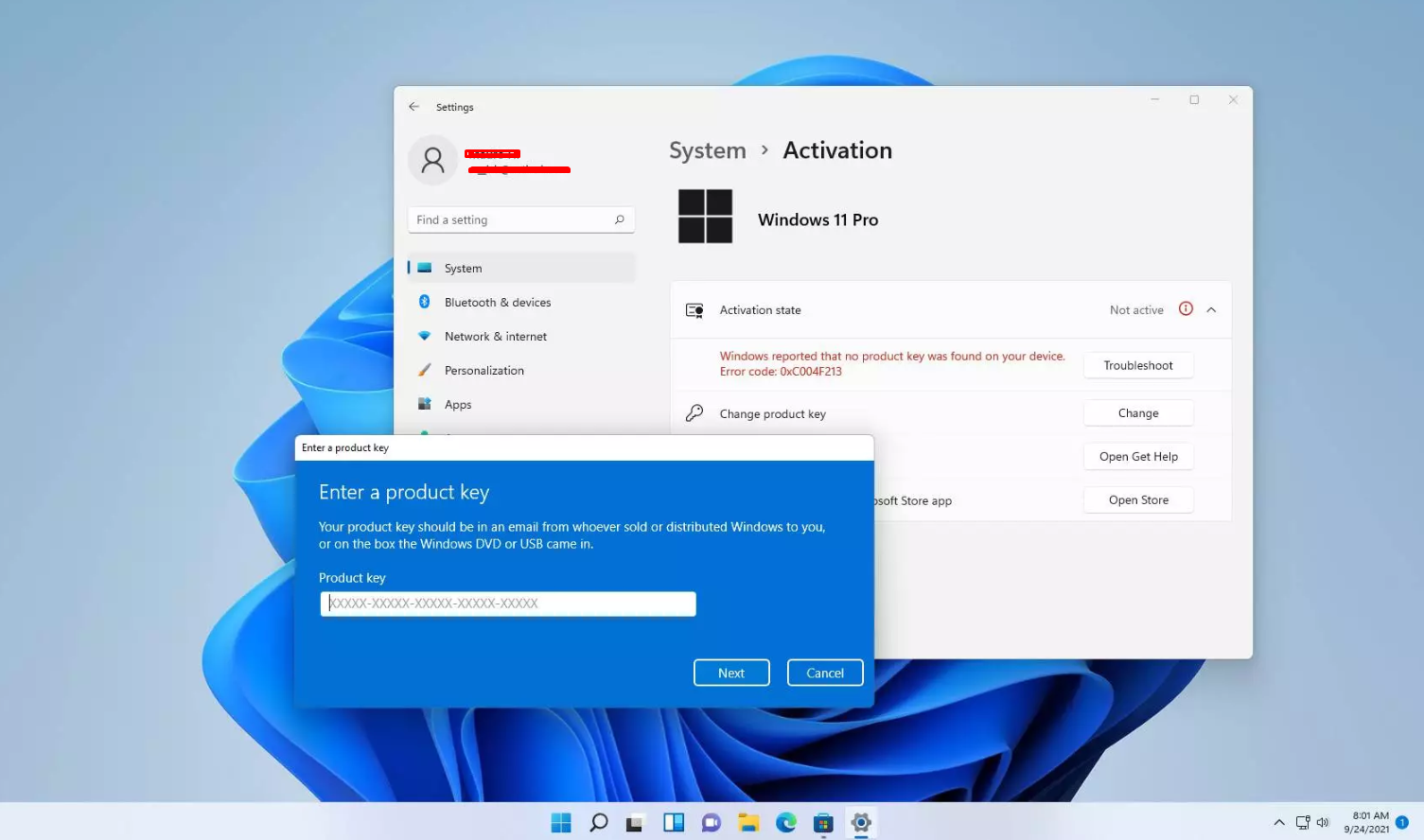
Windows activation errors can be frustrating – especially when you’ve installed or upgraded Windows 10 or Windows 11 and suddenly see “Windows is not activated” or an error code you don’t understand.
In 2025, activation errors are still common due to incorrect keys, edition mismatches, hardware changes, or Microsoft’s strict validation checks.
This guide walks you through every major Windows activation error, what they mean, and how to fix them quickly, even if you’re not tech-savvy.
1. Common Windows Activation Error Codes (2025)
Here are the most frequent error codes and what they mean:
- 0xC004C003 – Invalid or blocked product key
- 0xC004F050 – Edition mismatch (wrong key for your Windows edition)
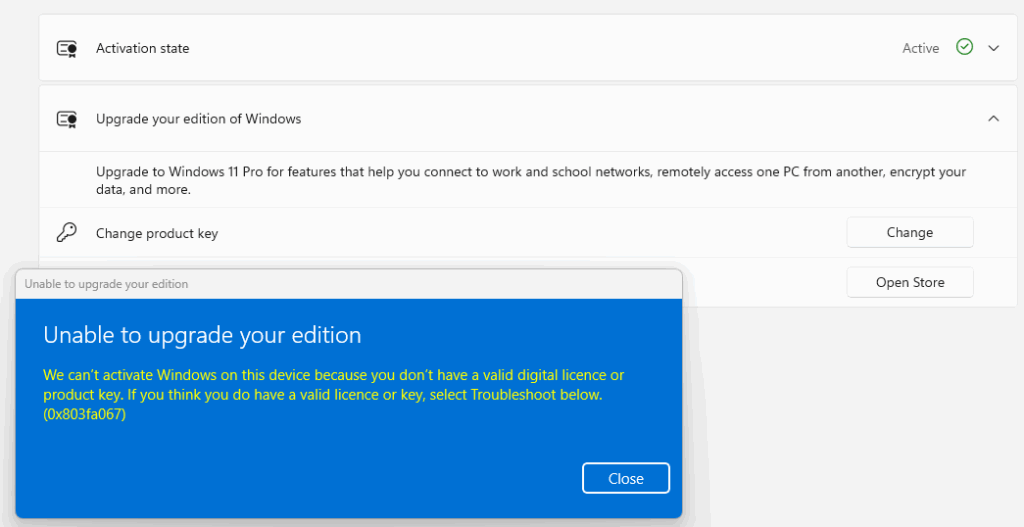
- 0x803FA067 – Generic key used; needs a genuine key
- 0xC004F034 – Microsoft servers could not validate the key
- 0xC004E016 – Wrong edition (Home vs Pro vs Enterprise)
- 0x80072F8F – Time/date sync issue
- 0xC004C008 – Key already used on another device
- 0xC004F074 – KMS server unavailable (volume licence error)
Knowing the code helps identify the fix.
2. Start With Basic Fixes
Fix 1: Check Your Internet Connection
Windows must reach Microsoft’s activation servers.
If unstable, retry activation later.
Fix 2: Sync Date & Time
Incorrect time can break activation.
Settings → Time & Language → Date & Time → Sync now
Fix 3: Restart Windows Activation Service
- Press Win + R
- Type:
services.msc - Find Software Protection
- Right-click → Restart
Fix 4: Try Activation Troubleshooter
Settings → System → Activation → Troubleshoot
Windows will attempt automatic repair.
3. Fixing the 7 Most Common Activation Errors
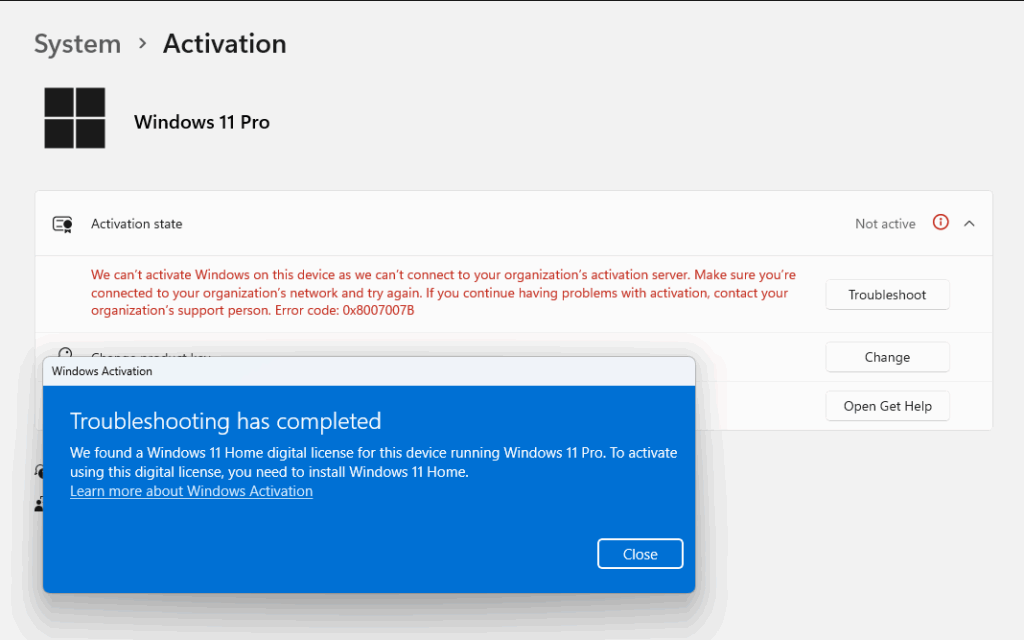
1. Error 0xC004F050 – Wrong Edition Key
This error appears when you try to activate:
- Windows 11 Home with a Pro key
- Windows 11 Pro with a Home key
- Windows Enterprise with a Pro key
How to Fix
Check your installed version:
Settings → System → About
If installed edition ≠ your key:
- Change product key to a matching one
OR - Upgrade your edition using a generic Pro key:
VK7JG-NPHTM-C97JM-9MPGT-3V66TThen enter your real Windows 11 Pro key.
2. Error 0xC004C003 – Key Blocked or Invalid
Usually appears with extremely cheap or incorrect keys.
How to Fix
- Make sure the key matches your Windows edition
- Try activating using Command Prompt:
slmgr /ipk YOUR-KEY-HERE
slmgr /ato
3. Error 0x803FA067 – Generic Key Issue
Happens during upgrades.
Fix
Enter a genuine activation key to complete the upgrade.
4. Error 0xC004F074 – KMS Server Error
Appears with volume licence keys (business keys).
Fix
- Ensure you’re online
- Restart Software Protection service
- Use retail key if it’s a personal PC
5. Error 0xC004C008 – Key Already Used
Retail keys can only be used on one device.
Fix
You need a new key to activate again.
6. Error 0x80072F8F – Time/Date or SSL Issue
A very common error.
Fix
- Sync date/time
- Reset Windows Update components
- Check system SSL certificates
7. Activation Watermark Stuck After Fix
If Windows is activated but watermark remains:
Open CMD as Admin:
gpupdate /force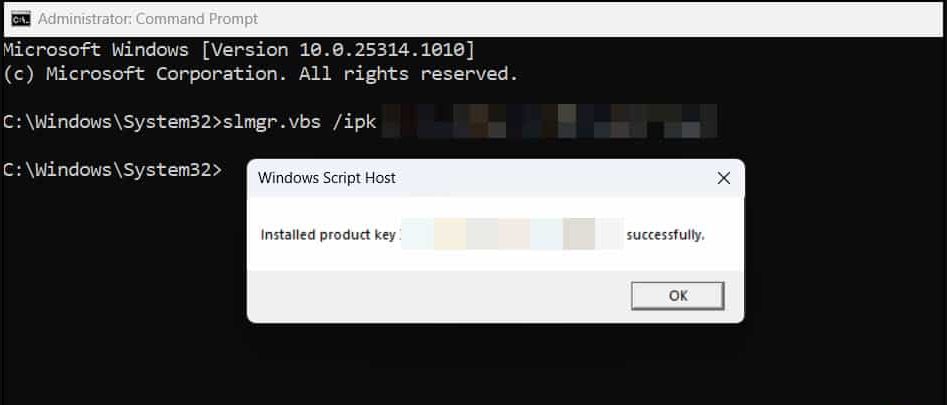
4. Fixing Activation After Hardware Change
If you changed:
- motherboard
- CPU
- SSD
- laptop board
Windows may deactivate.
Fix
- Go to Settings → Activation
- Click Troubleshoot
- Select I changed hardware on this device
- Sign into your Microsoft account
- Reactivate
FAQs: Fixing Windows Activation Errors in 2025
1. Do I need a new key if I reinstall Windows?
Only if your old key was OEM and locked to a previous motherboard.
2. Can I use one Windows key on multiple PCs?
No — retail keys activate one device at a time.
3. Why does my key say “not genuine”?
It may be invalid, blocked, or already used.
4. Does upgrading from Home to Pro require a new key?
Yes – editions require specific keys.
5. Can I fix activation without reinstalling Windows?
Yes – most errors can be fixed with the methods in this guide.
Get a genuine Windows 11 Pro key at an unbeatable price and activate your system instantly with full access to all professional features.
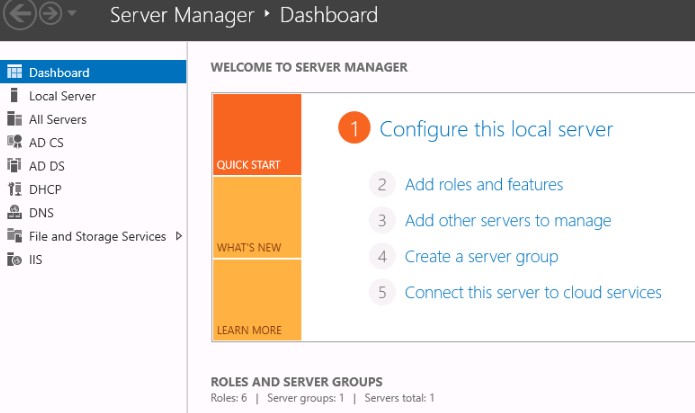
Windows Server - Installation & Activation

Visual Studio 2017 / 2019 - Installation & Activation
Office Home & Business 2016 / 2019 / 2021 – Installation & Activation
Office 2019 / 2021 Home & Student – Installation & Activation
Microsoft Visio 2016 / 2019 / 2021 - Installation & Activation
Microsoft Project 2016 / 2019 / 2021 - Installation & Activation
Office 2016 Professional Plus - Installation & Activation Guide
Office 2019 Professional Plus - Installation & Activation Guide
Windows 10 - Installation & Activation Guide
Windows 11 - Installation & Activation Guide

