


Step 1: Download the ESET Software
Download your ESET software using the official download link provided after purchase.
Download the software from here
Step 2: Install the Software
- Open the downloaded installer file
- Follow the on-screen installation instructions
- Complete the installation process
Once installation is finished, the software will be ready for activation.
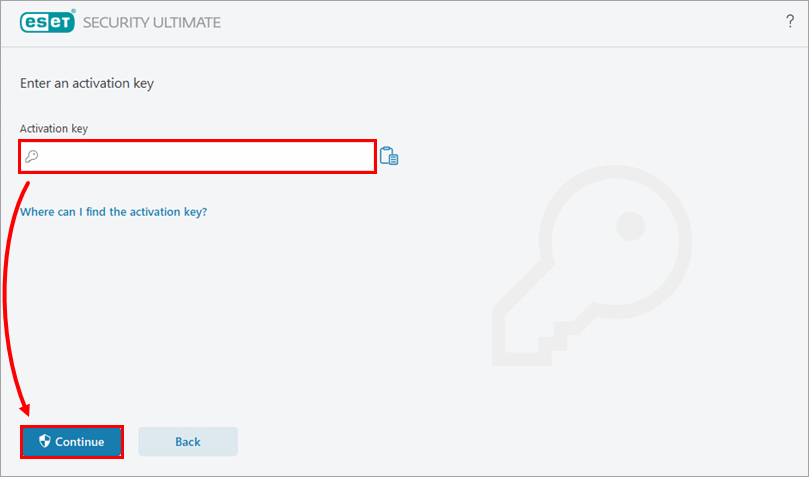
Step 3: Activate Your License Key
- Open the ESET software
- Enter your license key inside the software client
- Confirm the activation
Your protection will begin immediately after successful activation.
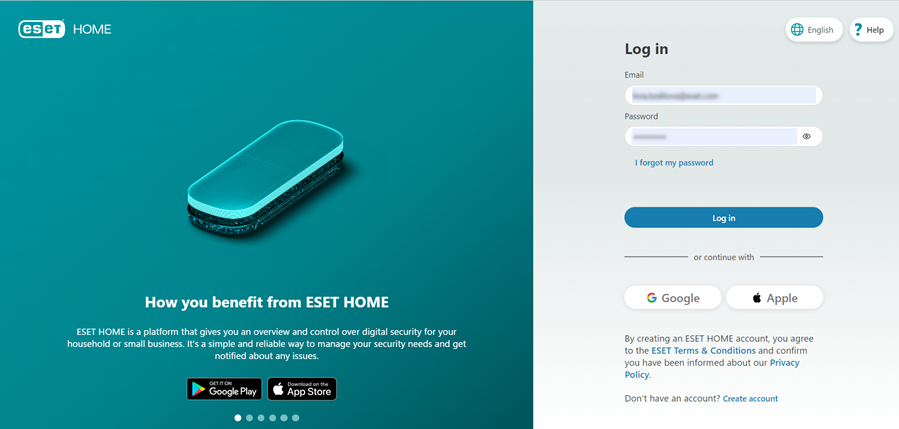
Step 4: Connect Your License to ESET HOME (Optional)
- Open the ESET software
- Click on ESET HOME Account
- Select Connect to ESET HOME
- Sign in or create an account using your email address
This step allows you to manage your license and devices online.